The modern workspace has undergone a quiet revolution. The static desk—a fixed slab of wood that dictated your posture for eight hours a day—is becoming a relic. In its place, the standing desk has emerged as the new standard for the health-conscious professional.
But owning a standing desk is only half the battle. Using it correctly is the other half.
We often see users invest in high-quality equipment only to set it at arbitrary heights. They stand too tall, hyperextending their elbows. They sit too low, shrugging their shoulders. They treat the desk adjustment as a guessing game.
At Harunamu, we believe that ergonomics is a science of millimeters, not guesses. The difference between comfortable and strained can be as little as two centimeters.
Here is your definitive guide on how to choose the ideal height for your standing desk, featuring our precision-engineered BRISKA and ASTERIA desks, and the ergonomic chair pairings that complete the ecosystem.
The Sitting Equation: Why Standard Height is Wrong for You
Most fixed-height desks are built to a standard of 73cm to 76cm. (29 inches to 30 inches). This height was standardized decades ago for a man roughly 180cm tall wearing shoes.
Ergonomically speaking, if you are 160cm, a standard desk is likely 3 inches too high for you.
When you type at a desk that is too high, you subconsciously lift your shoulders to reach the keyboard. This perma-shrug causes chronic tension in the trapezius muscles (the knots in your shoulders) and restricts blood flow to the neck.
Finding Your Elbow Zero
-
Sit in your office chair.
-
Adjust the chair height so your feet are flat on the floor and your knees are at a 90-degree angle.
-
Drop your shoulders. Relax them completely.
-
Bend your elbows to 90 degrees.
-
Measure the distance from the floor to the underside of your elbow.
This is your ideal sitting desk height. For many people, this number is surprisingly low—often between 63cm and 68cm.
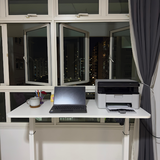
This is where the ASTERIA and the BRISKA Standing Desk shines. Its telescopic legs allow it to descend far lower than a standard fixed desk, meeting your elbows exactly where they are. Whether you choose the minimalist white or black tabletop or warm wood tones of the ASTERIA, the ability to lower the surface is just as critical as the ability to raise it.
 |
| ASTERIA |
The Standing Equation: Avoiding the Lean
Standing is not just not sitting. It is an active posture that requires alignment.
Common mistakes include standing too high (causing you to type with T-Rex arms) or too low (causing you to hunch over the screen).
Finding Your Standing Sweet Spot
-
Stand up straight. Imagine a string pulling the top of your head toward the ceiling.
-
Wear the shoes you normally work in (or stand barefoot if that’s your norm).
-
Relax your shoulders.
-
Bend your elbows to slightly more than 90 degrees (about 100 degrees is ideal for blood flow).
-
Your keyboard should float right under your fingertips at this height.
This precision is effortless with the ASTERIA Standing Desk. The ASTERIA’s defining feature is its Memory Keypad. Once you find that perfect millimeter height—say, 106.5cm—you save it.
You never have to guess again. With a single touch, the desk glides silently to your bespoke height. This removes the friction of adjustment, making you 50% more likely to actually use the standing function.
 |
| BRISKA |
The Screen Factor: The Neck's Best Friend
Your desk height dictates your arm comfort. Your monitor height dictates your neck comfort.
Once your desk is set to your elbow height, your screen needs to be independent. The top third of your monitor should be at eye level. If you are using a laptop on the desk surface, you are forcing your neck into flexion (looking down).
To solve this, you need a stable platform that doesn't wobble when raised. A shaky desk makes reading screens fatiguing. Our ASTERIA Standing Desk features a dual-motor system and a heavy-duty steel frame (available in Black or White legs) designed specifically to pass the coffee cup test—stability at full extension.
The Ecosystem: Pairing the Desk with the Chair
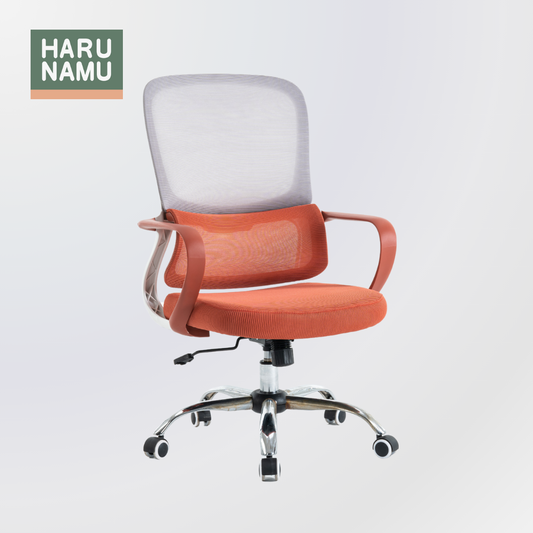
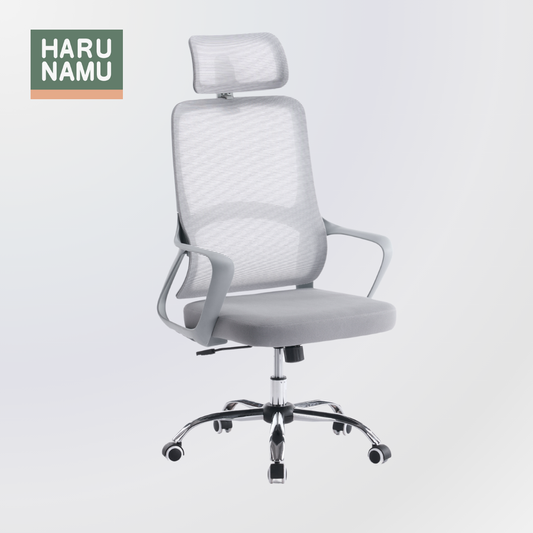
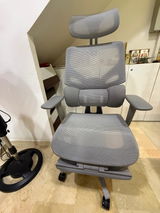
A desk cannot save your posture alone. It needs a partner. When you lower your desk to sitting height, you need a chair that supports the S-curve of your spine. A soft, sinking sofa-style chair will undo all the benefits of your perfectly adjusted desk.
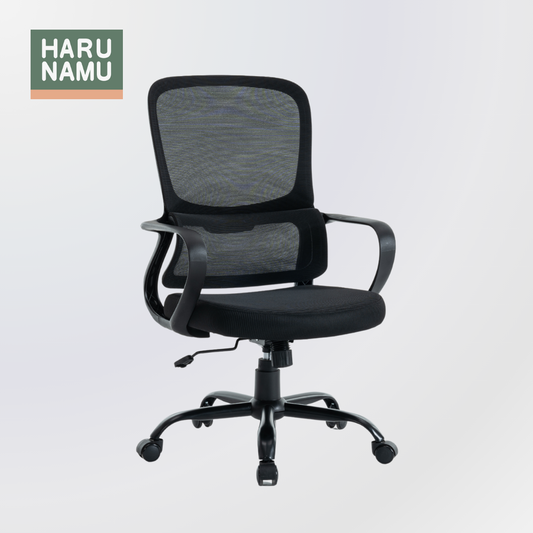
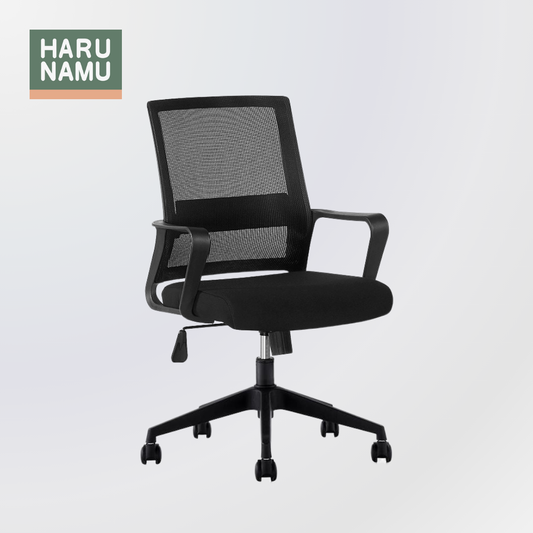
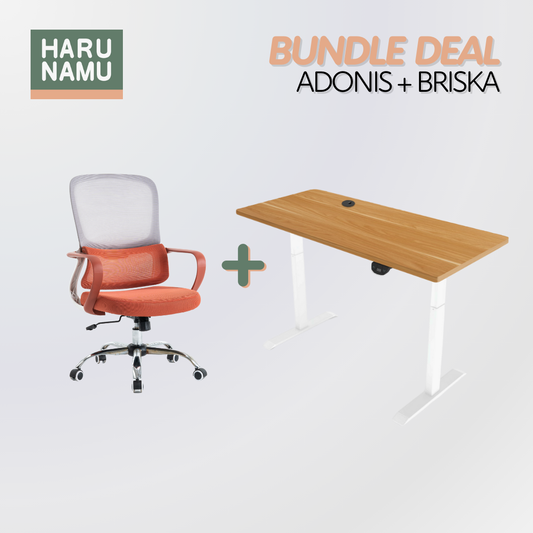
For the Essentialist: The ADONIS x BRISKA Standing Desk and Chair Bundle is the perfect starter kit. The ADONIS chair provides fixed, firm lumbar support that keeps you upright, while the BRISKA desk offers the robust up/down movement needed to break sedentary cycles.
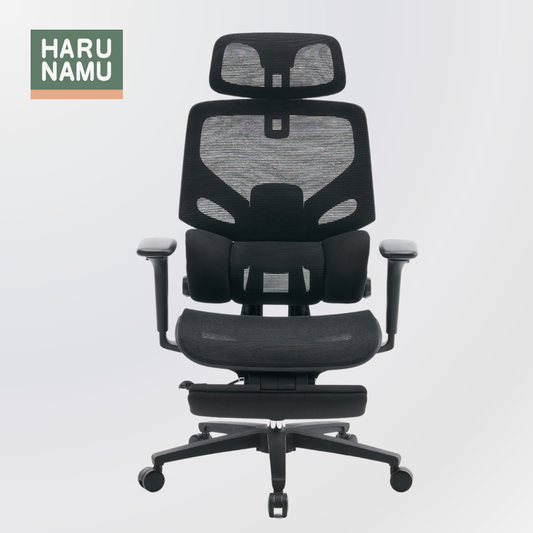
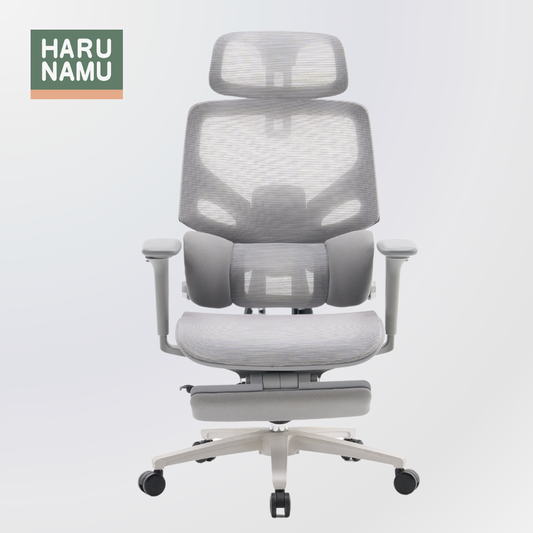
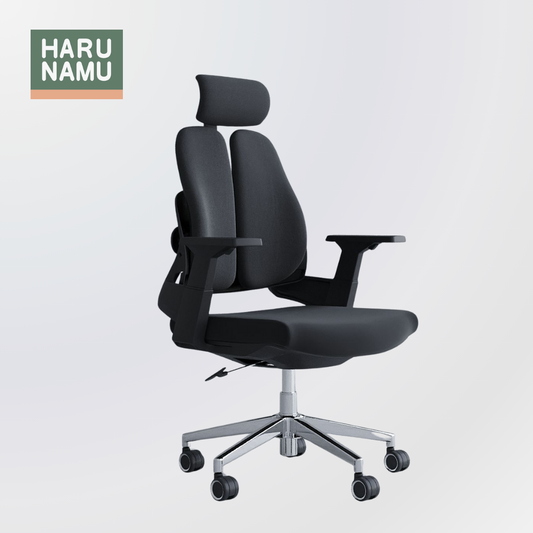
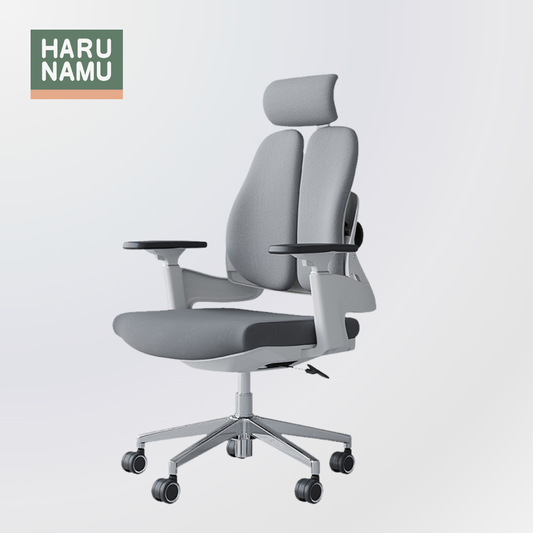
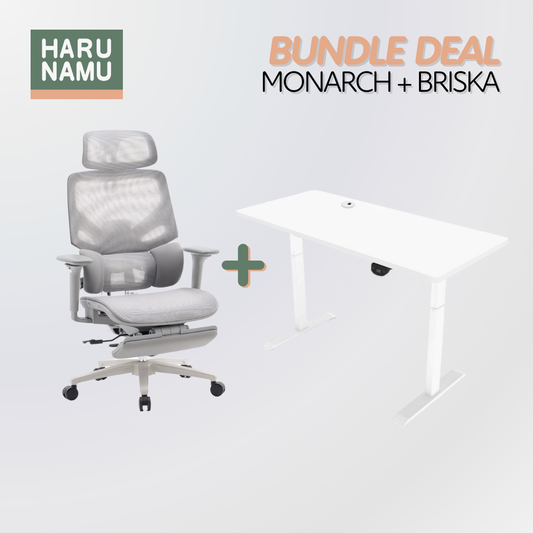
For the Power User: For those who demand total control, the MONARCH x ASTERIA Standing Desk and Chair Bundle is the cockpit. The MONARCH chair offers fully articulated adjustments—headrest, armrests, lumbar—that can be tuned to your body. When paired with the memory precision of the ASTERIA, you have a workspace that adapts to you, not the other way around.
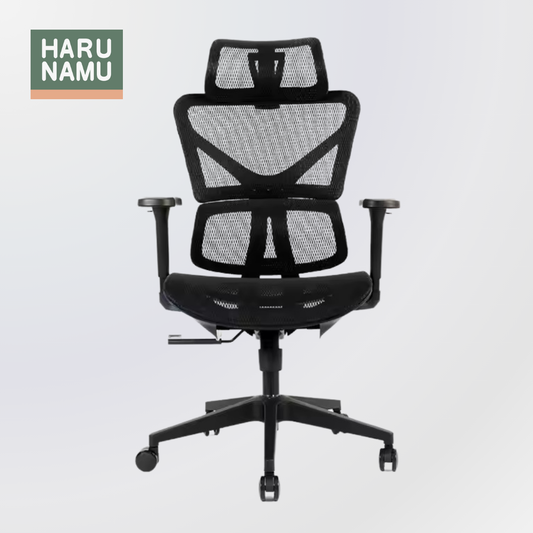
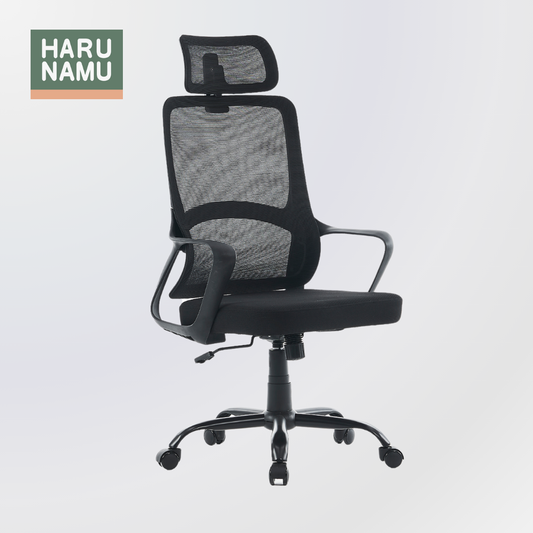
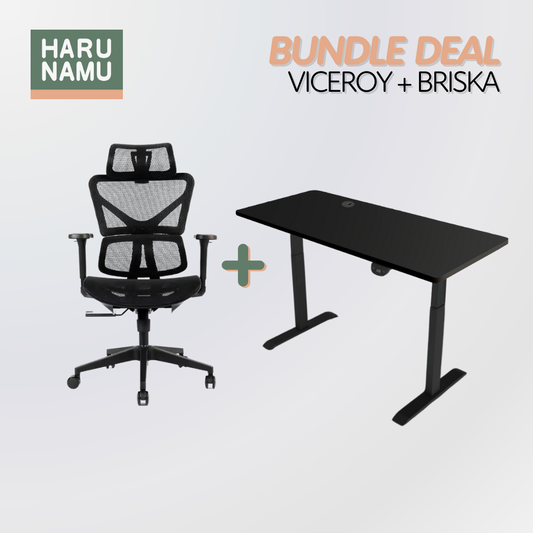
For the Hot Climate: In Singapore, heat is a factor. The VICEROY x ASTERIA Standing Desk and Chair Bundle pairs the ASTERIA’s precision with the VICEROY’s high-performance mesh chair back. The mesh allows for airflow, preventing the heat buildup that causes fidgeting and poor posture.
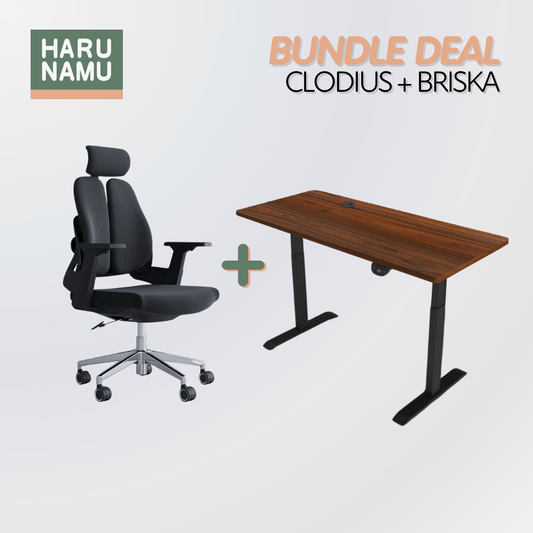
For the Mover: If you are a fidgeter who twists and turns, the CLODIUS x BRISKA Standing Desk and Chair Bundle offers a unique solution. The CLODIUS features a split-back design that flexes with your torso, allowing for active sitting that complements the active standing encouraged by the BRISKA.
Geometry of Wellness
Ergonomics is not a feeling; it is geometry. It is the angles of your elbows, hips, and knees.
By choosing a desk like the BRISKA or ASTERIA that allows you to hit those angles precisely, you are investing in your long-term health. You are preventing the slow-motion injury of the perma-shrug and the tech-neck.
Whether you choose the sleek ASTERIA White Standing Desk with Memory for a minimalist home office or the commanding BRISKA Walnut Wood Standing Desk for an executive suite, remember: the desk works for you. Make sure it measures up.
Frequently Asked Questions
Q1: How do I know if my desk is too high when sitting? Relax your shoulders and let your arms hang loose. Bend your elbows to 90 degrees. If your hands are below the desk surface, your desk is too high. You are likely lifting your shoulders to compensate. You need a desk that lowers further, like the BRISKA, or a footrest to raise your body.
Q2: What is the benefit of the Memory Keypad on the ASTERIA? Speed and consistency. Without memory, you have to hunt for your perfect height every time you switch positions, which takes focus away from your work. With the ASTERIA, you press one button and the desk returns to your exact, ergonomically verified sweet spot instantly.
Q3: Can I use a standing desk if I am very tall (over 185cm)? Yes. Both the BRISKA and ASTERIA models feature extended height ranges (typically up to 120cm+). This accommodates users up to roughly 195cm tall while maintaining ergonomic elbow angles. Stability is maintained by the reinforced steel leg columns.
Q4: Should I stand all day? No. Standing fatigue is real. The goal is movement, not just standing. We recommend a rhythm of 45 minutes sitting and 15 minutes standing each hour. This keeps your metabolism active without exhausting your legs or lower back.
Q5: Which desk finish is best for writing vs. computer work? It is an aesthetic preference, but matte finishes (like our White or Black tops) are excellent for optical mouse tracking. Wood grains (like Maple or Walnut) offer a warmer, more tactile surface that many find pleasant for handwriting and creative work. All our tops are treated for durability.