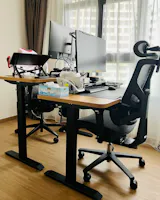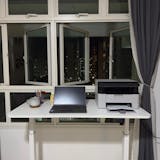
The work-from-home shift has changed how many of us approach the working day. While a growing number of companies are moving staff back into the office, hybrid and remote arrangements remain part of the modern landscape. What this shift has made clearer is just how much our physical environment influences comfort, focus, and overall performance.
What was once a temporary setup — a corner of the bedroom, the dining table, a spare chair — has, for many, become a regular workspace. As working patterns have settled, so too has the realisation that prolonged sitting requires more considered support than most everyday seating is designed to provide.
As purveyors of well-crafted furniture, we’ve seen a steady evolution in what customers value. The emphasis is no longer only on aesthetics or convenience, but on seating that supports posture, minimises strain, and helps maintain clarity across long hours of concentrated work.
The link between comfort and productivity is straightforward. When the body feels supported, focus comes more easily. With our experience in furniture design, we understand what distinguishes a truly ergonomic chair from one that simply looks the part. In this article, we’ll share our best work from home office chairs for comfort and productivity.
The WFH Ergonomic Gap: When Everyday Seating Meets New Demands
Before exploring ergonomic solutions, it’s worth recognising that many homes rely on wooden dining chairs or multipurpose seating for desk work. These pieces are often beautifully made and perfectly suited for meals, gatherings, and everyday living.
However, extended desk work asks more of the body. A typical dining chair encourages an upright posture that works well for shorter periods but can feel limiting when maintained over several hours. Without adjustability, it may also struggle to align comfortably with different desk heights, body types, and working styles.
Ergonomic chairs, by contrast, are purpose-built for extended use. They adapt to your posture, support healthy alignment, and allow subtle movement throughout the day — helping sustain comfort, focus, and overall well-being.
What to Look For: An Expert's Buying Guide for the WFH Professional
As professionals who provide furniture for a living, here is our non-negotiable checklist for a high-quality WFH chair:
-
Key 1: Meaningful Adjustability: You must be able to adjust, at minimum:
- Seat Height: To get your feet flat on the floor.
-
Tilt/Recline: To open up your posture and de-slouch throughout the day.
-
Key 2: Adaptive Lumbar Support: The support must be firm and correctly positioned at the small of your back to maintain your spine’s natural S-curve.
-
Key 3: Breathable Materials (i.e., Mesh): A traditional foam or leather chair traps heat. This leads to discomfort, which leads to fidgeting, which breaks your focus. A high-quality mesh back allows for airflow, keeping you cool, dry, and focused for hours.
-
Key 4: A Stable Foundation: A wobbly base or sticky casters are a constant, low-level distraction. A solid base and smooth-rolling wheels are essential for productivity.
5 WFH Chairs Vetted for Comfort and Productivity
Based on our criteria, here are five chairs from our collection that are ideal for the modern WFH professional, each solving a slightly different problem.
1. The MONARCH: The All-Day Executive
 |
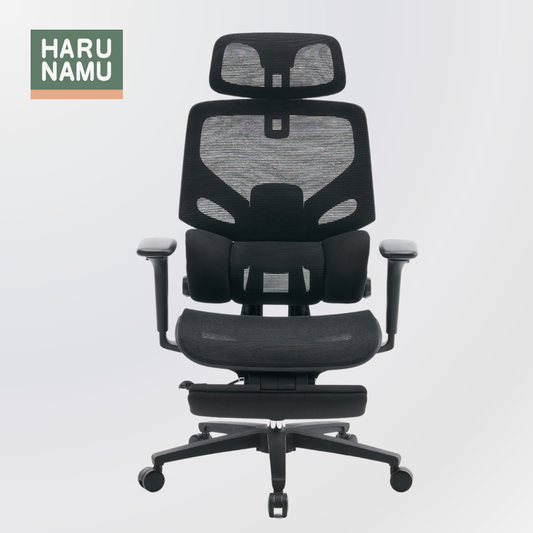
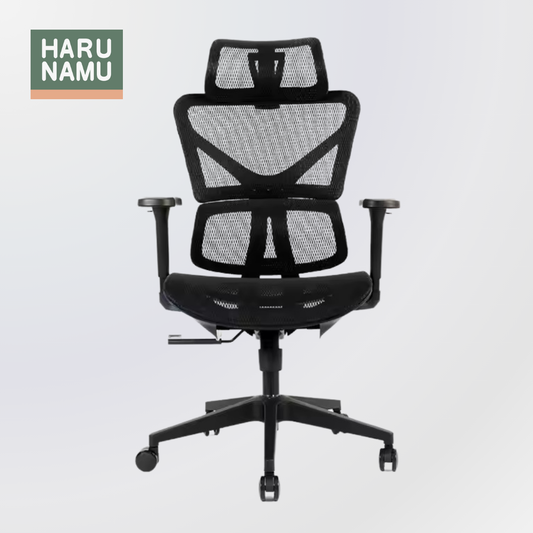
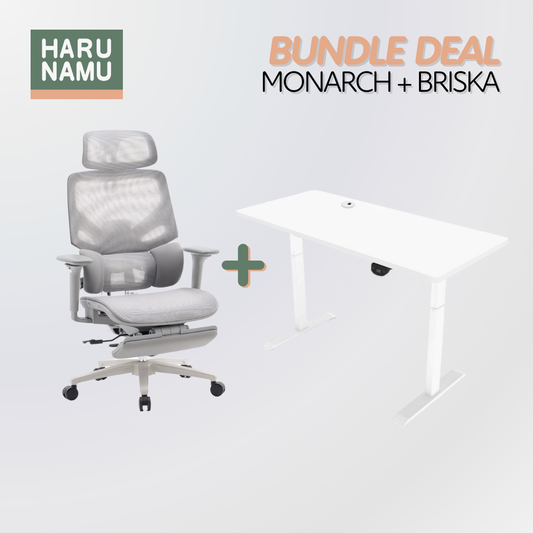
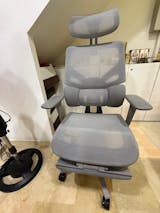
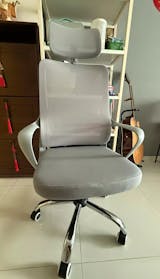
The MONARCH Grey Ergonomic Office Chair is built for the 8+ hour workday. It's a complete support system for your entire body, from your pelvis to your head.
-
How it Works: The MONARCH features a robust frame, a premium mesh back, and a fully articulated headrest. The key is its integrated, adaptive lumbar support that moves with the backrest as you recline. The headrest ensures that when you lean back to think, your neck isn't left hanging.
-
Who it's for: The professional who is locked in for long days. If you spend your time in deep-focus work, long video conferences, and strategic thinking, the MONARCH provides the total, first-class support you need.
2. The CLODIUS: The Adaptive Specialist
 |
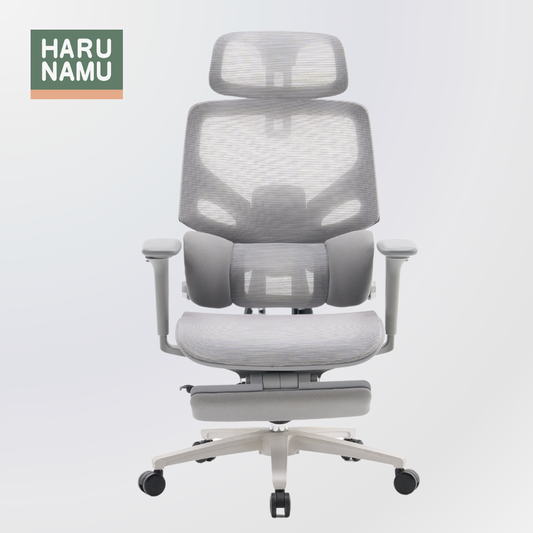
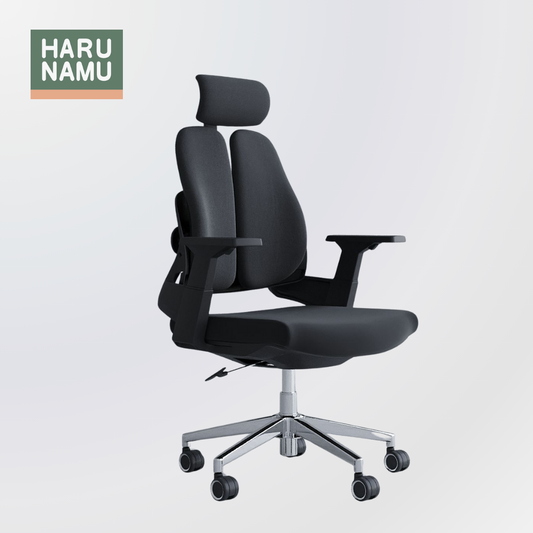
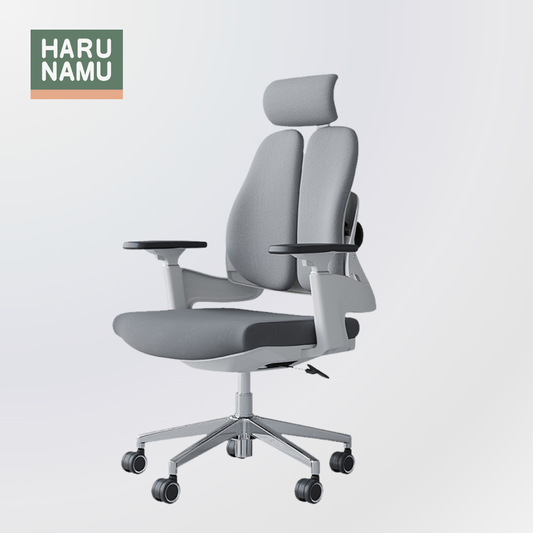
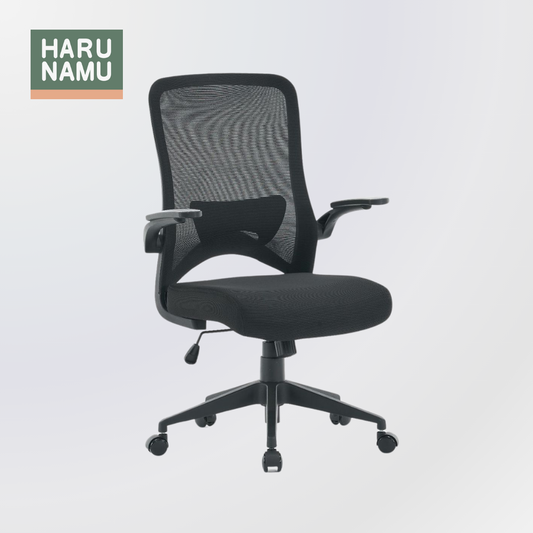
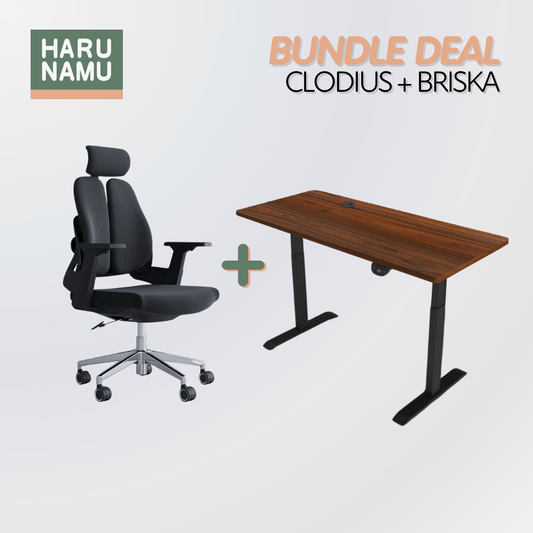
The CLODIUS Split-Back Ergonomic Chair is perhaps the most innovative design in our lineup. It's built on the understanding that your back is not one solid block.
-
How it Works: The unique split-back design flexes and adapts to your movements. When you twist to grab something, one side supports you while the other moves with you. This active support system reduces pressure on the spine and encourages micro-movements, which are critical for blood flow and joint health.
-
Who it's for: The dynamic, multi-tasking worker. If your WFH day involves constant movement, collaboration, and shifting between tasks, the CLODIUS acts less like a static chair and more like a responsive partner.
3. The VICEROY: The High-Back Performer
 |
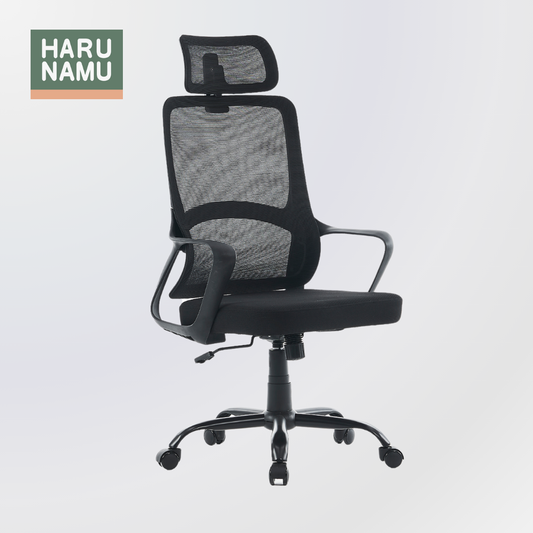
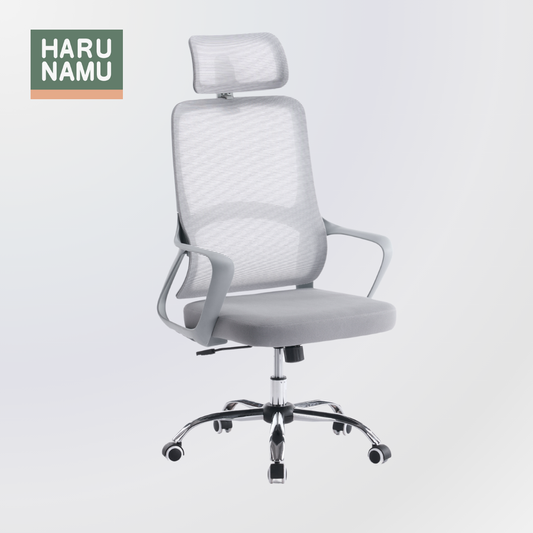
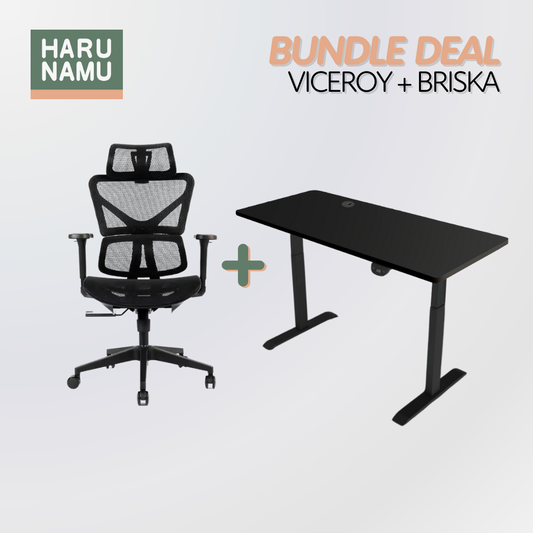
The VICEROY Mesh Ergonomic Chair is a high-performance task master chair. It's a no-nonsense tool designed for focus and health.
-
How it Works: Like the MONARCH, the VICEROY features a high-back and headrest, providing full-spine and cervical support. Its pronounced, fixed lumbar curve is firm, offering excellent support for those who already feel the strain of back pain. The high-quality mesh ensures all-day breathability.
-
Who it's for: The user who needs a workhorse. It's for the programmer, writer, or analyst who needs unwavering support to get through a long project. It delivers 90% of the features of a top-tier executive chair at an incredible value.
4. The MARCELLUS: The Dynamic Tasker
 |
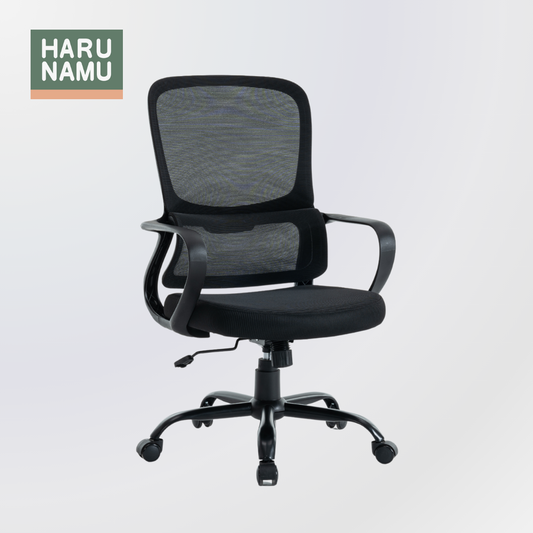
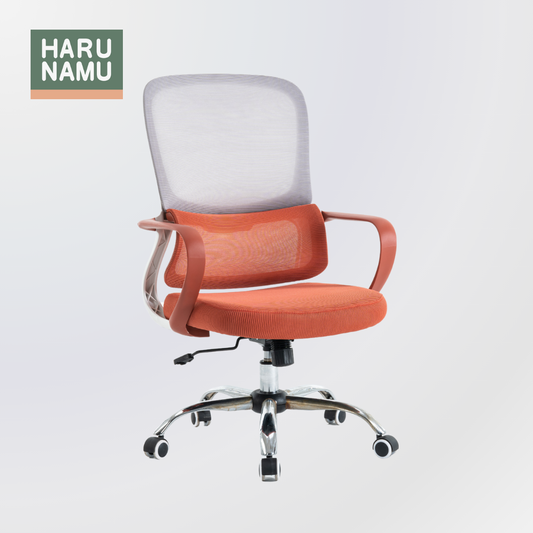
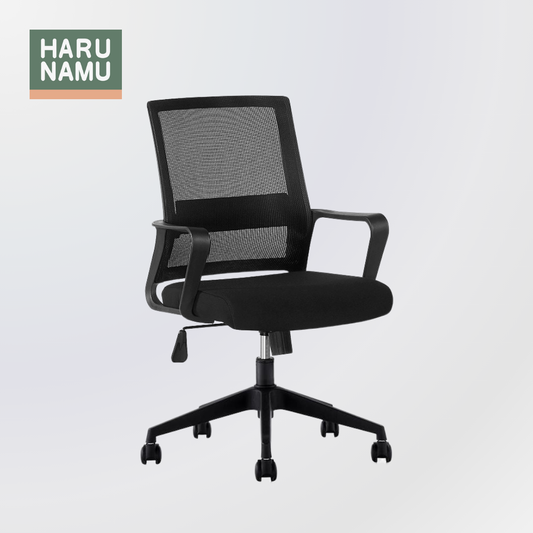
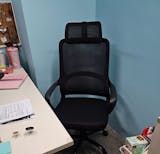
The MARCELLUS Black Mesh Office Chair is an agile, modern, and responsive task chair. It's designed to be the perfect balance of support and freedom.
-
How it Works: The MARCELLUS has a slightly more compact, mid-back design. Its strength is its adaptive mesh, which provides firm lumbar support without a separate, bulky mechanism.
-
Who it's for: The hybrid worker. If your WFH day is a mix of desk work, moving around your space, and even creative hobbies, the MARCELLUS is an agile tool that supports you when you need it and gets out of the way when you don't.
5. The ADONIS: The Essential Foundation
 |
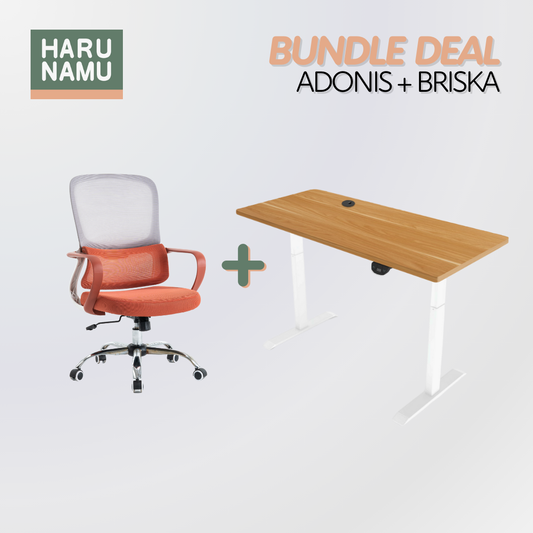
The ADONIS Black Ergonomic Office Chair is the perfect simple ergonomic chair. It's the intelligent upgrade from a regular chair that gets all the fundamentals right.
-
How it Works: The ADONIS's entire backrest is sculpted into a precise S curve that provides excellent, fixed lumbar support. It doesn't have a dozen levers, because it doesn't need them. Its job is to provide the core ergonomic benefits—a supportive spine, adjustable height, and a breathable mesh back—in a simple, effective, and affordable package.
-
Who it's for: The WFH professional who is finally ready to stop sitting on a dining chair. It's the essential, no-fuss solution for a home office, study, or as a high-quality upgrade for a student.
The Final 10%: How to Set Up Your Chair for Success
Remember, an ergonomic chair is a tool. It only works if you use it correctly. As experts, we recommend this simple 30-Second Setup:
-
Feet: Adjust your seat height so your feet are planted flat on the floor, with your knees at a 90-degree angle.
-
Knees: Sit all the way back. You should be able to fit 2-3 fingers between the edge of the seat and the back of your knees. If not, the seat pan is too deep for you.
-
Elbows: Adjust your armrests so your elbows rest at a 90-degree angle, with your shoulders completely relaxed. This is your desk height.
-
Back: Ensure the lumbar curve of the chair is pressing firmly into the small of your back.
An Investment in Your Most Valuable Asset
Your WFH setup is your new professional headquarters. You wouldn't run your business on a 10-year-old, crashing laptop, so why would you run your body on a $50 dining chair?
An investment in a high-quality ergonomic chair is a direct investment in your most valuable asset: your own health, focus, and ability to do great work without pain.
We have done the work of scrutinizing the build quality, material durability, and ergonomic science behind these chairs. We've selected models like the MONARCH, CLODIUS, and VICEROY because they are proven tools for a productive, comfortable, and healthy workday. Your work is important. The tool you use to do it should be, too.
Frequently Asked Questions
Q1: How long should I sit at a time, even in a good chair?
Even in a perfect chair, you should not sit statically all day. We recommend changing positions regularly. We advise our customers to follow a sit-stand-move pattern. If you don't have a standing desk, set a timer to stand, stretch, and even walk with set intervals throughout the day. The NUS Ergonomic Manual recommends a 2 to 3 minute stretch for every 20 to 30 minutes of intensive work.
Q2: My feet don't touch the floor on the lowest setting. What should I do?
Do not lower your chair if it makes you hunch over your desk. The correct order is: 1) Set your armrests to your desk height, then 2) Use a footrest to support your feet. A footrest is a cheap and essential tool to complete your ergonomic setup if you are shorter or your desk is too high.
Q3: Is a headrest necessary for a WFH chair?
It depends on your work style. If you are task-oriented and sit upright (like with the ADONIS or CLODIUS), a headrest is less critical. However, if you spend a lot of time in a contemplative recline or on long calls, a headrest (like on the MONARCH or VICEROY) is essential for preventing neck strain.
Q4: Why is a mesh back (like on most of these models) highly recommended?
Breathability. In a WFH environment (especially in a warmer climate), a foam or PU leather chair traps body heat. This creates discomfort and moisture, which causes you to fidget, shift, and break your focus. If you don’t turn on the air conditioner often, a mesh chair allows for constant airflow, keeping you cool, dry, and focused on your work, not on how uncomfortable you are.